Know what's true at every scene.
StoryVue is a visual story planner built on three connected canvases: the story, each plot, and each scene. Put your cast and places on them, draw the links, and record a change once in the scene where it happens. Every later scene already knows. All of it on the free plan, forever.
Create your account
Three canvases, one story.
The Story Canvas holds your plots in order. Open a plot and its scenes sit on a Plot Canvas. Open a scene and its Scene Canvas stages who and what is in it, with the relationships between them drawn as labelled links.
How relationship links change over the story →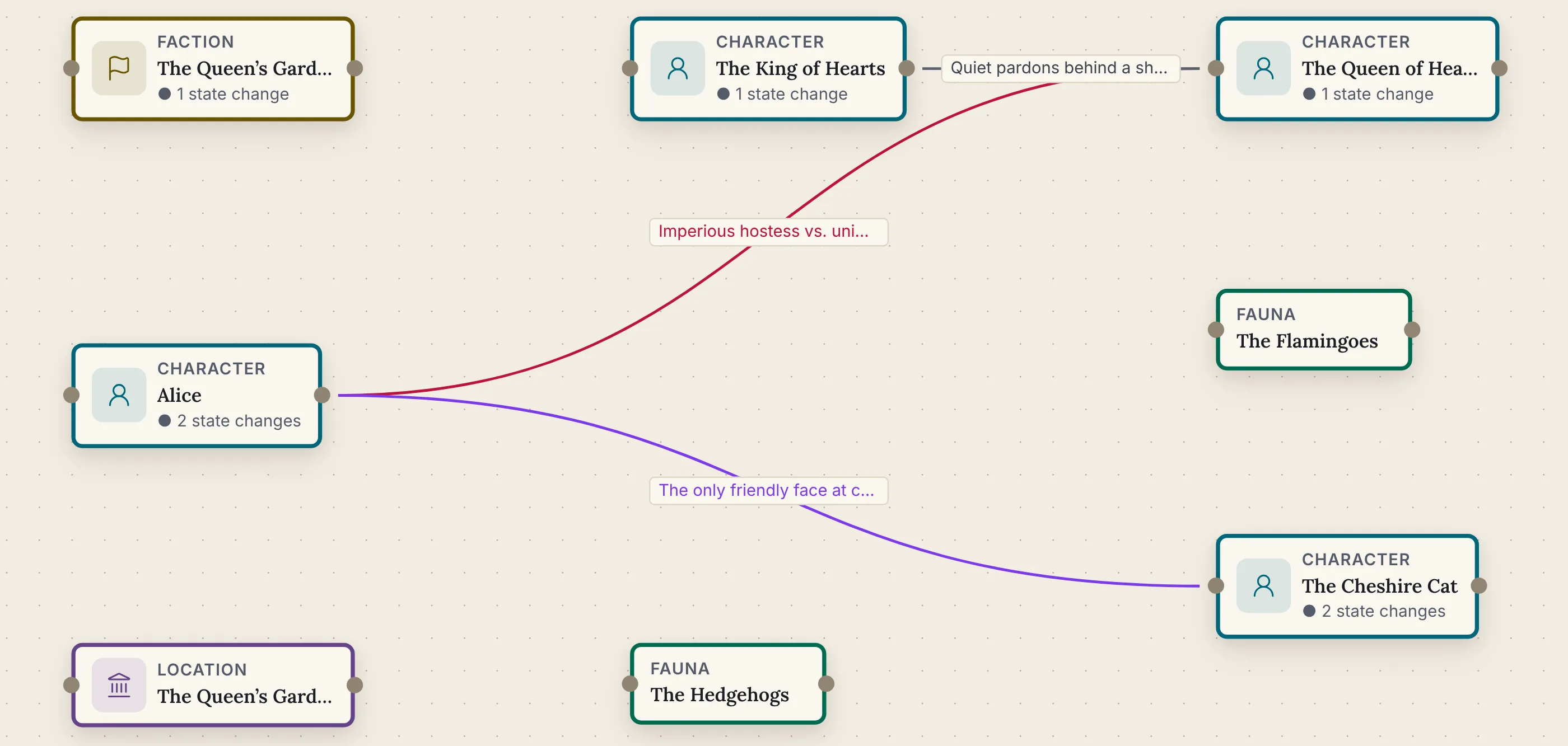
How to plan on the canvases.
Start from an empty canvas, or from a draft you import with its chapters and names already in place.
Lay out the plots. Add plot points and subplots on the Story Canvas and link them in order.
Add the scenes. Double-click a plot to open its canvas, add scenes, and link them in the order they happen.
Stage each scene. Open a scene and add who and what is in it. Stage cast from previous scene copies the last scene's cast across.
Record what changes. Click a character and add a change: a wound, a secret learned, a sword handed over. Every later scene lists it, marked with the scene it came from.
Never lose track of who knew what, and when.
Each scene's ledger collects it all: who is in the scene, what changed there, and what is still true from earlier. It's the story bible that keeps itself, on screen or printed, on every plan.
More on the story bible →
Everything is one click away.
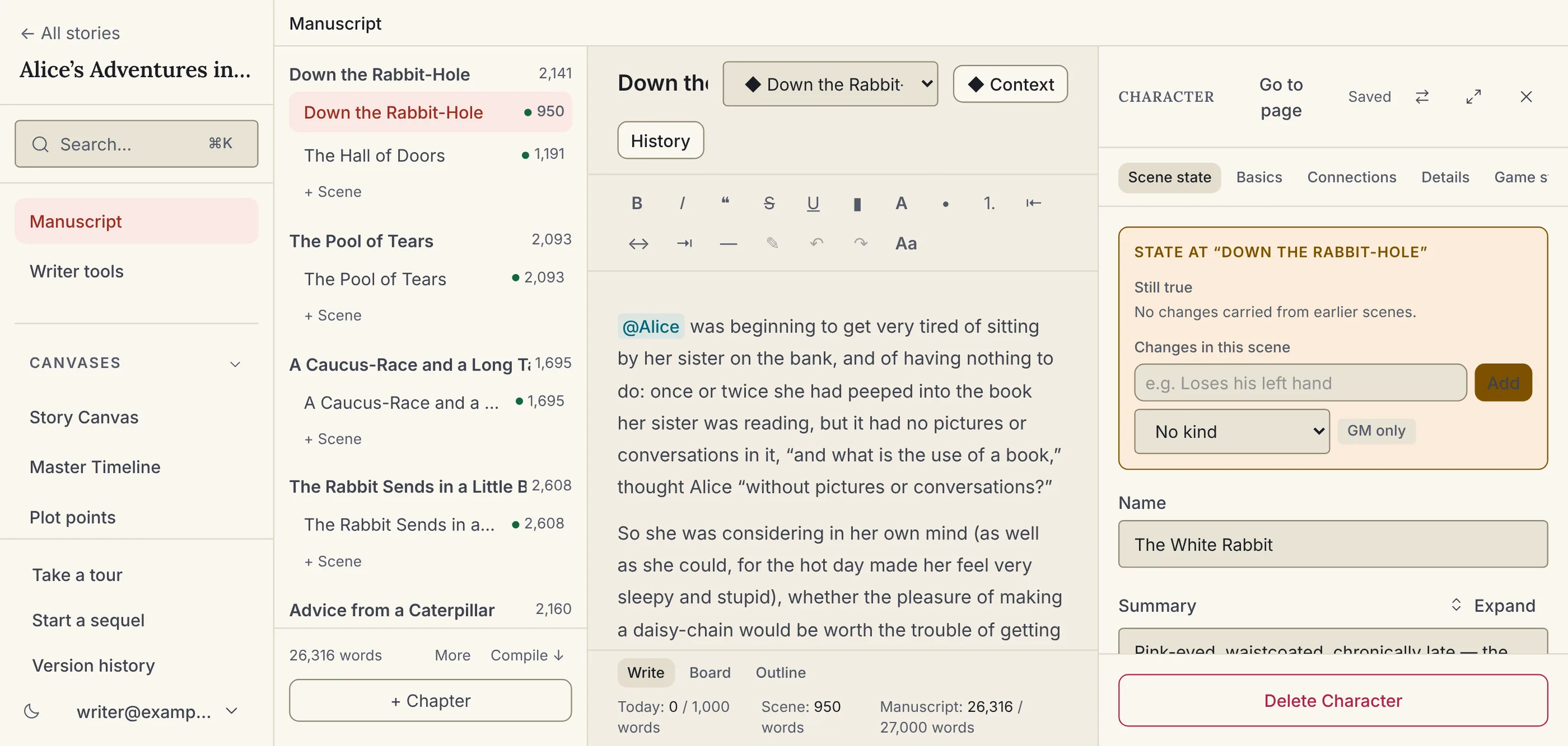
Click any character, place or item and it opens beside what you are working on, with a trail back. The plan, the draft and the world stay in view together, on every plan.
Open beside
Click a name in a scene, a ledger row or a connection and its full entry opens beside the page.
Hover previews
Hover any name for a card with its summary and nicknames and, at a scene, the character's age right then.
Appears in
Every entry lists where it appears: scenes, prose mentions, references, family trees, encounters and sessions.
Search with ⌘K
Find names, nicknames, notes and manuscript text, and open the result beside you, or drop it into your draft as a reference.
Create as you type
Type a name that doesn't exist yet in any picker and create it right there, already linked.
Pick up where you left off
A story reopens on the page and scene you were last on, on that device.
The rest of StoryVue, when you want it.
Everything above is on the free plan with no time limit. The paid plans pick up where planning ends, and every account includes one free trial of the top plan.
Relationship arcs
Allies, then rivals, then something else: each phase pinned to the scene where it turns. Free.
Story timeline
Scenes in the order events happen, with in-world dates, ages and point of view. Free.
Manuscript editor
Draft chapters beside the story graph, with @-mentions to any character or place. Writer, $5/mo.
Thirteen analysis tools
Checks that read your draft the way a structural editor would. None of them use AI. Author, $10/mo.
Game Master suite
Run the same world at the table: sessions, encounters, initiative, and dice. World Builder, $15/mo.
Start with the sample story, or your own.
The sample story is Alice in Wonderland as a finished project: the full manuscript with point of view, dates and margin notes, wired to 85 entities, 57 connections and a 14-scene Master Timeline. It's on your Dashboard the moment you sign up and stays one click away under Start from…, beside the Ravensmoor campaign for game masters. Or start from an empty canvas. No credit card, no time limit.